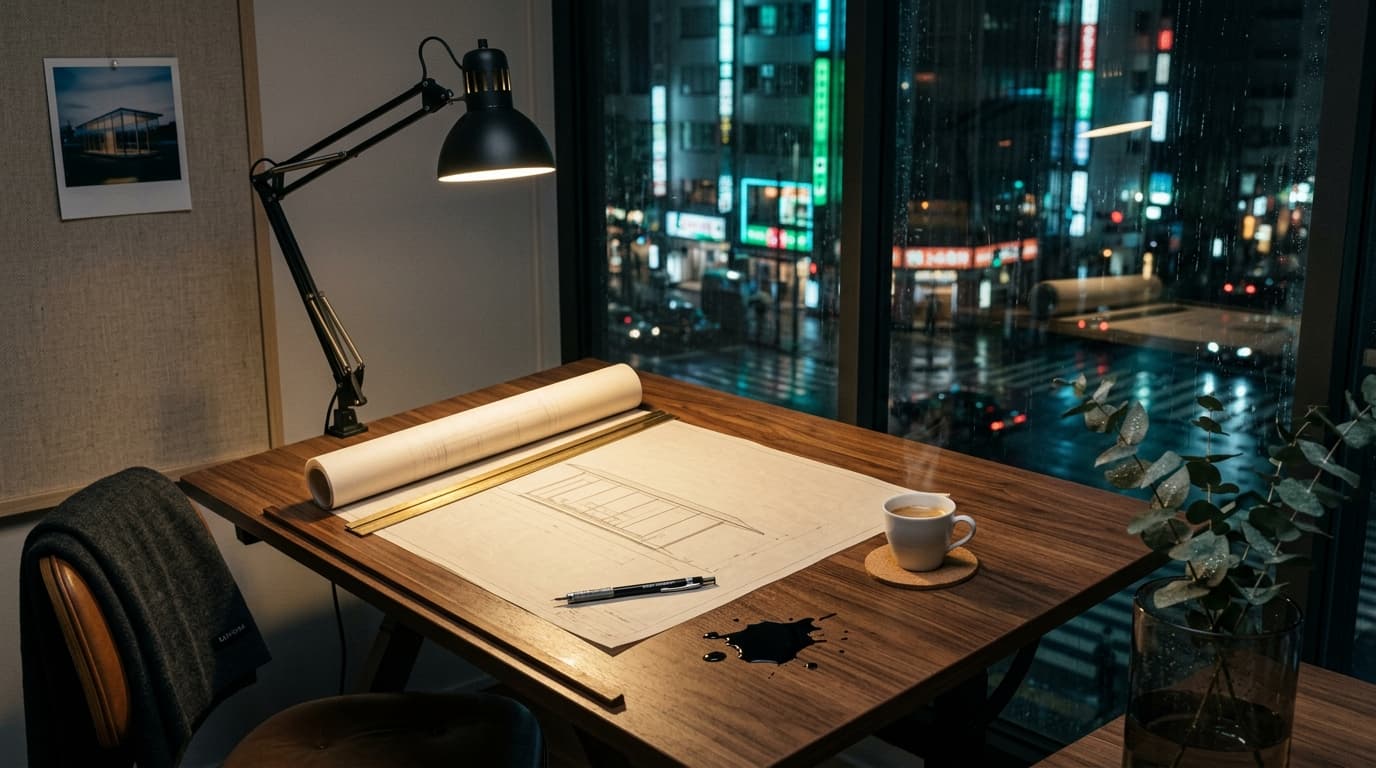
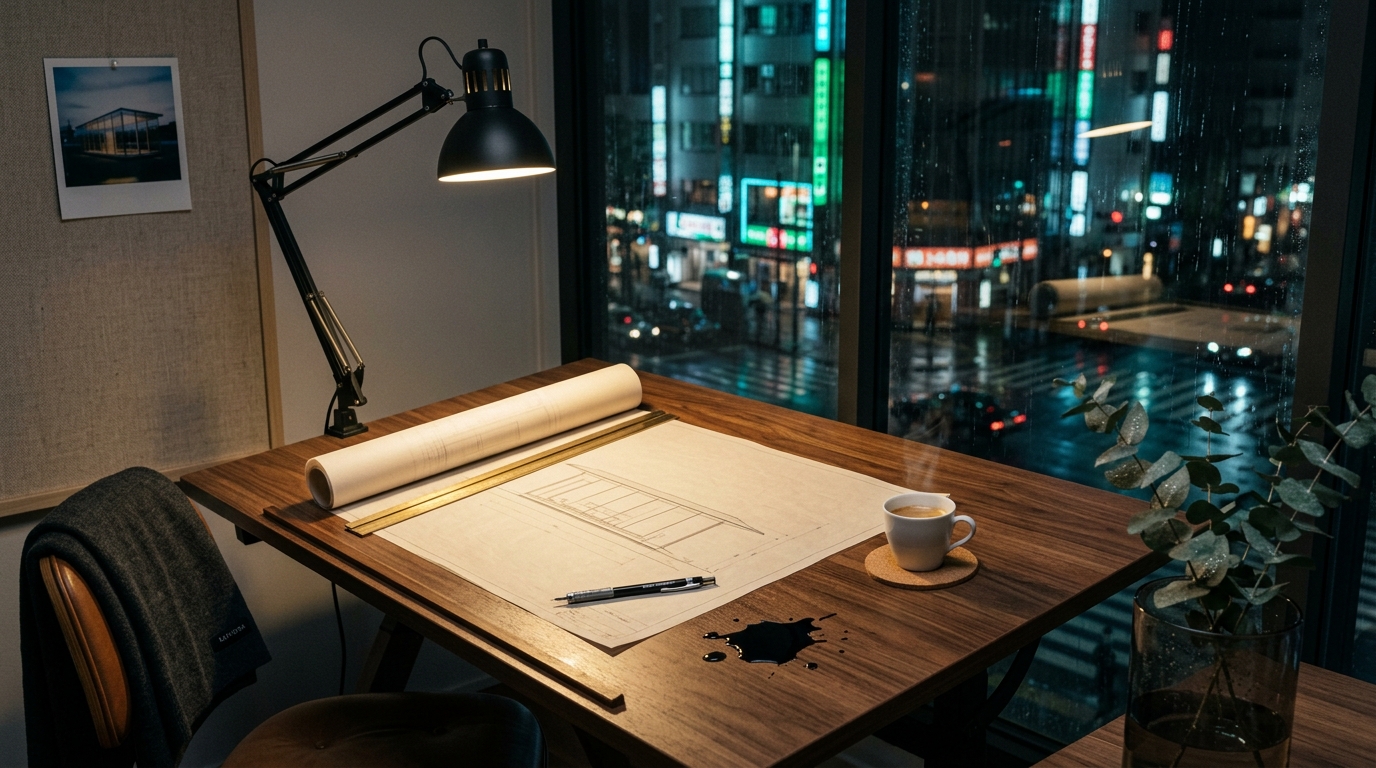
What is text to image?
Kanvora offers five live text-to-image paths. GPT Image 2 is fixed to a 1K square with Low, Medium, or High quality and is designed for accurate in-image text, but every result still needs proofreading. Nano Banana 2 and the three Seedream paths expose the sizes and ratios shown above.
Create a text-to-image proof
Choose the review target
Use GPT Image 2 when accurate in-image text matters: Low costs 1 credit, Medium is the 5-credit default, and High costs 18. Use Nano Banana 2 for a 1K or 2K choice, or choose the disclosed fixed Seedream path.
Describe one frame
Name the subject, composition, material, light, and the details that must not appear.
Open the workbench
Kanvora carries the legal settings into the signed-in workbench. No request starts on this public URL.
Tips for better results
- Lead with the subject and camera view.
- Describe light and materials instead of stacking style labels.
- For GPT Image 2, quote the exact words and describe their hierarchy, then proofread every character.
Frequently asked questions
Which text-to-image models are live?
GPT Image 2, Nano Banana 2, Seedream 5.0 Lite, Seedream 5.0 Pro, and Seedream 4.5 are live on Kanvora.
Can I choose 4K?
No. GPT Image 2 is fixed to a 1K square. Nano Banana 2 supports 1K or 2K here. Seedream 5.0 Lite and Seedream 4.5 are fixed at 2K, while Seedream 5.0 Pro is fixed at 1K.
Does this page spend credits?
No. The button opens the authenticated workbench with a GET prefill. Only the workbench can submit a generation.
How much does GPT Image 2 quality cost?
Low costs 1 credit, Medium costs 5 credits and is the default, and High costs 18 credits. Higher quality does not guarantee perfect text.