Turn text into an image on Kanvora
Write one clear visual direction, compare GPT Image 2 and Nano Banana 2 with Seedream 5.0 Lite, Seedream 5.0 Pro, and Seedream 4.5, choose a supported frame and output size, then follow one accountable queue to a stored still.
This is text-to-image only. Kanvora does not accept reference images, edit an uploaded picture, generate video, expose 4K Nano Banana 2, or provide an anonymous generation endpoint.
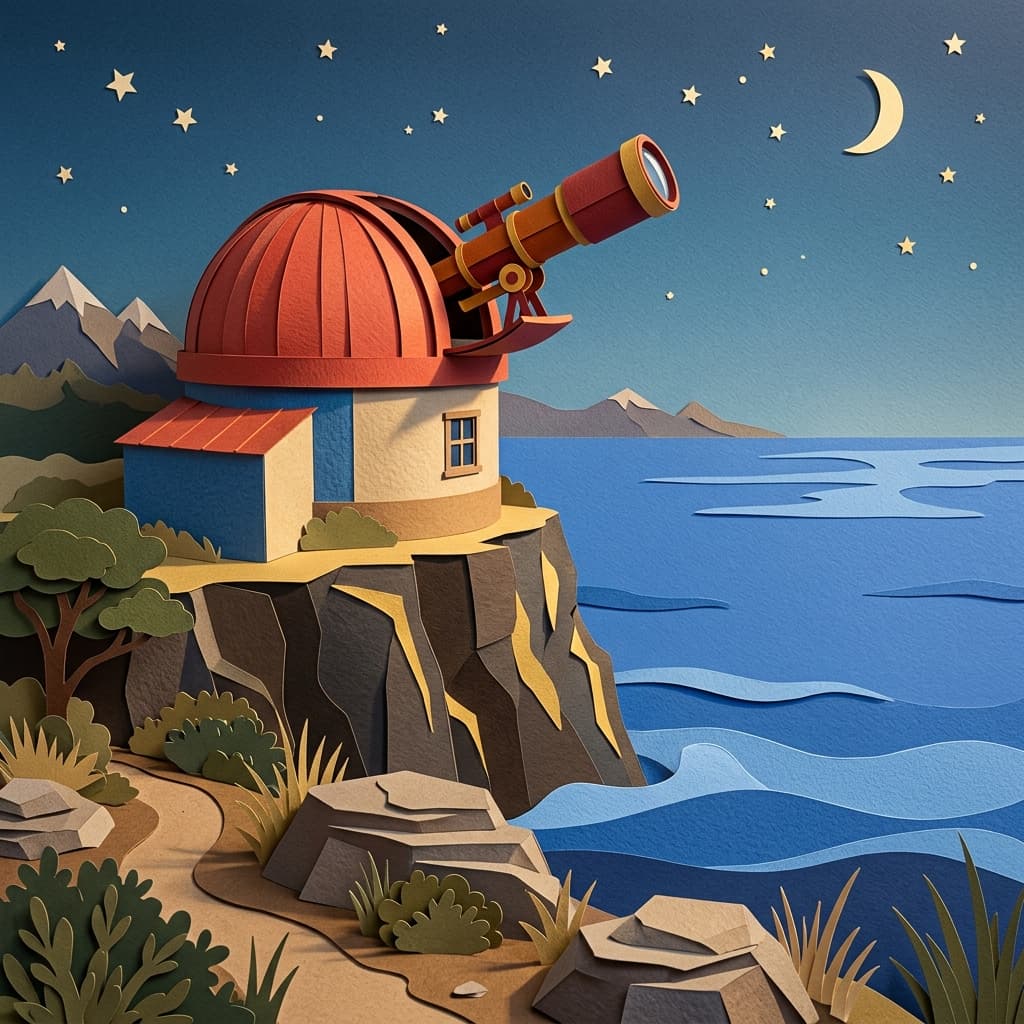 AI-generated · Kanvora official
A tactile cut-paper observatory above a calm cobalt ocean, vermilion telescope, precise golden shadows, no people
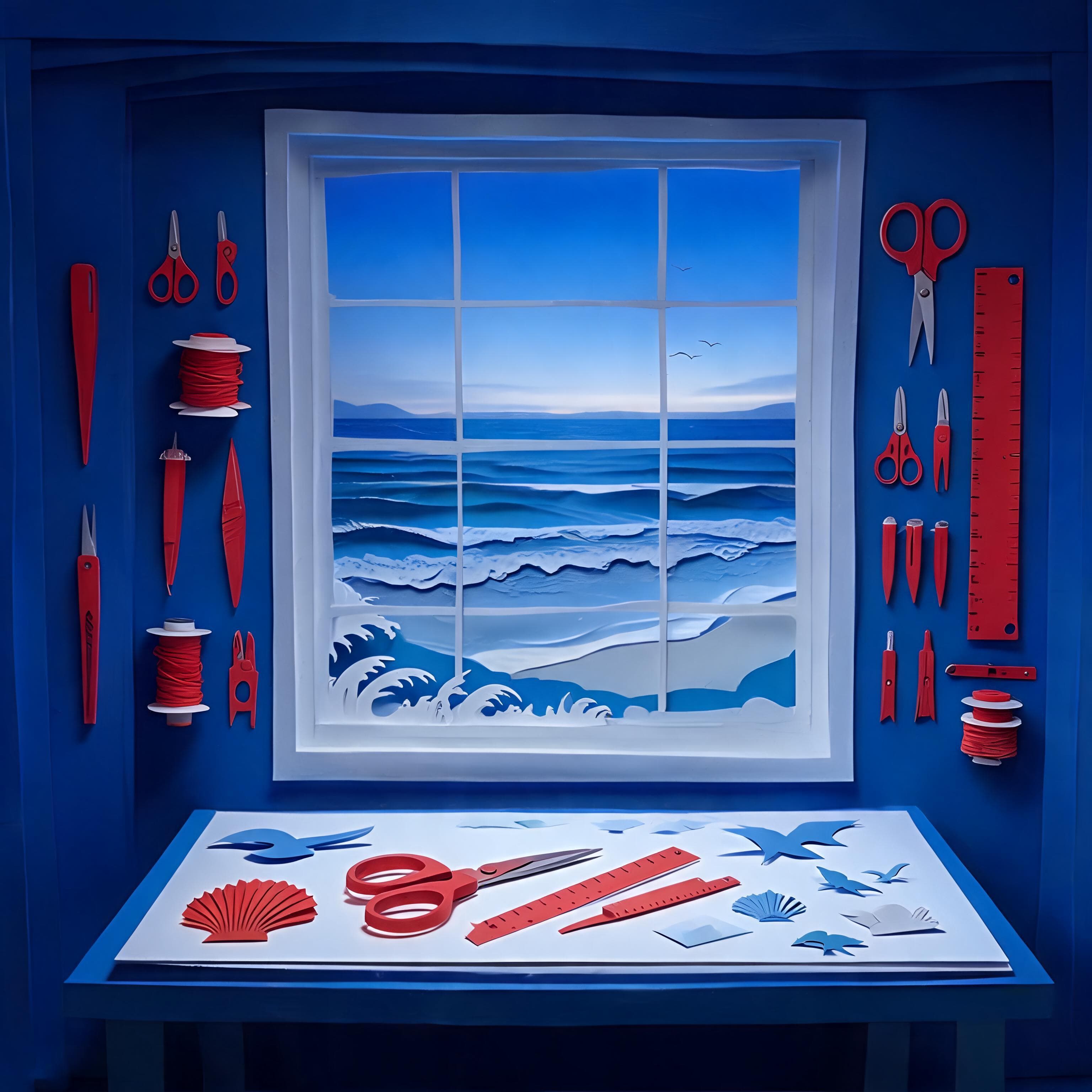 AI-generated · Kanvora official
A precise cut-paper coastal workshop at blue hour, cobalt walls, vermilion tools, no people
Use the diagram as a review guide
The output becomes complete only after Kanvora stores the provider file.
Reduce the idea to an inspectable image brief
A prompt works better as a set of reviewable decisions than as a pile of style adjectives.
Name the subject, action or state, environment, composition, light, material or style, and exclusions. Decide what success means before choosing a model. The model can interpret the brief, but it cannot know which unstated detail matters to you.
- Subject: one primary person, object, place, or abstract form.
- Action or state: what the subject is doing or how it is arranged.
- Environment: the location, background, time, or spatial context.
- Composition: camera distance, view, focal point, and empty-space needs.
- Light and style: observable visual treatment rather than a vague quality claim.
- Exclusions: extra subjects, watermarks, unowned logos, tiny text, or unsafe content.
Use a prompt structure that supports revision
Separate content, composition, treatment, and exclusions so a failed result has a clear next edit.
The template is deliberately compact. Add only details you will inspect. A prompt that names ten competing subjects and five visual styles creates more ambiguity, not more control.
Subject: [one primary subject]
Action or state: [what is happening]
Environment: [place, background, time]
Composition: [view, framing, focal point, negative space]
Light and visual treatment: [observable lighting and style]
Must include: [two or three reviewable details]
Must avoid: extra subjects, watermarks, logos, tiny text, unsafe or deceptive contentCoastal observatory scene
This example demonstrates input structure only. Replace every detail with a brief you are allowed to use.
Subject: one compact coastal observatory with a cobalt dome
Action or state: telescope doors open toward the evening sky
Environment: rocky headland at blue hour with a calm sea
Composition: wide 16:9 frame, observatory on the left third, open sky on the right
Light and visual treatment: crisp cut-paper forms with long precise shadows
Must include: one warm window, clear horizon, generous empty sky
Must avoid: people, logos, text, extra buildings, watermarks
Choose the model, size, and frame deliberately
The cheapest setting and the largest setting answer different review needs.
Kanvora exposes four model paths behind one workflow. Seedream 5.0 Lite is fixed 2K at 3 credits. Seedream 4.5 is fixed 2K at 4 credits. Seedream 5.0 Pro is fixed 1K at 6 credits. Nano Banana 2 offers 1K at 4 credits or 2K at 5. All four use the same five aspect ratios.
| Need | Choose | Check before generating |
|---|---|---|
| Lowest current credit cost | Seedream 5.0 Lite 2K | Use 3 credits when the Seedream 5.0 Lite path and fixed 2K output fit the brief. |
| Seedream 4.5 generation | Seedream 4.5 2K | Use 4 credits when the required version is Seedream 4.5 and no reference image is needed. |
| Default fast review | Nano Banana 2 1K | Use 4 credits when 1K is enough to judge composition and direction. |
| Larger Nano Banana 2 output | Nano Banana 2 2K | Use 5 credits only when the larger Nano Banana 2 file is useful for the next review. |
| Square or balanced frame | 1:1, 4:3, or 3:4 | Match the destination and keep the focal subject large enough to inspect. |
| Wide or tall frame | 16:9 or 9:16 | Plan negative space and crop behavior before generation. |
Resolution affects output size, not truth, typography accuracy, identity fidelity, or copyright clearance. Review every image before use.
Complete one text-to-image request safely
The workflow separates creative direction, paid submission, queue settlement, and final review.
Explore every public setting before sign-in. Authentication is required only when Generate image would create a job and place a credit hold.
- 1
Write the smallest complete brief
Enter 3 to 2,000 characters covering subject, setting, composition, treatment, and exclusions.
ContinueEach important visual requirement can be checked in the final image.Stop or reviseThe prompt depends on a missing reference image, exact identity, or unsupported output type. - 2
Choose model, size, and ratio
Compare the displayed credit cost, select Seedream 5.0 Lite, Seedream 5.0 Pro, Seedream 4.5, or Nano Banana 2, then choose the destination frame.
ContinueThe setting matches the review need and available credit budget.Stop or reviseDo not choose a larger output only to compensate for an unclear brief. - 3
Sign in and submit once
Generate image opens the sign-in gate for guests. After authentication, security checks run before the job and credit hold are created.
ContinueOne queued job and one integer credit hold appear.Stop or reviseDo not create a duplicate while the request is active. - 4
Follow the original queue
QUEUED and RUNNING are active. UNKNOWN means Kanvora is reconciling an uncertain provider submission rather than retrying it blindly.
ContinueThe job reaches a stored success, stored partial result, or definite terminal failure.Stop or reviseWait when status is UNKNOWN. A definite failure releases the hold. - 5
Inspect and download the stored still
Review required details, unsafe or misleading marks, text, and destination crop before download or publication.
ContinueThe stored file downloads and every locked check passes.Stop or reviseRevise one failed field or leave generation when direct editing is required.
See how a complete review reaches a stop rule
The rehearsal includes an alternative explanation and a no-action outcome, not only a happy path.
A generation can be visually coherent and still fail the task. The check is anchored to the brief, not the effort already spent.
Coastal observatory review rehearsal
Diagnose the failed requirement before revising
Change the smallest prompt or setting that explains the observed problem.
Avoid restarting from scratch after every failure. Preserve passing parts of the brief and revise one content, composition, treatment, or exclusion field at a time.
- Subject is wrong
- Reduce the scene to one primary subject and name the few defining details that must survive.
- Composition is crowded
- Remove secondary objects, name the focal position, and reserve negative space for the destination.
- Style is inconsistent
- Choose one visual treatment and describe its observable materials, edges, light, and color behavior.
- Text is inaccurate
- Shorten or remove embedded text. Use a layout tool when exact words must be editable and correct.
- Unowned mark appears
- Do not publish it. Exclude logos and watermarks, regenerate, and inspect the next file again.
- Queue status is UNKNOWN
- Wait for reconciliation of the original request. Never use a second submission as a status check.
Plan attempts before the first credit hold
The displayed price is per submitted generation, not per image you decide to keep.
A one-time signup grant adds 20 credits. That covers up to six Seedream 5.0 Lite attempts with 2 credits left, five Seedream 4.5 or Nano Banana 2 1K attempts, or four Nano Banana 2 2K attempts. Mixed-model totals depend on the settings you actually submit.
| Model setting | Credits per attempt | Use when |
|---|---|---|
| Seedream 5.0 Lite 2K | 3 | You want the lowest current credit cost and a 2K still. |
| Seedream 4.5 2K | 4 | You need Seedream 4.5 text-to-image at its fixed live output. |
| Nano Banana 2 1K | 4 | You want the Kanvora default and 1K is enough for the review round. |
| Nano Banana 2 2K | 5 | You need Nano Banana 2 at the larger live output setting. |
| Seedream 5.0 Pro 1K | 6 | You need the flagship Seedream text-to-image path at its fixed live size. |
Purchased credits do not expire. A failed or rejected creative review still used the provider attempt when the job completed, while a definite provider failure releases its hold according to the runtime flow.
Keep the current proof or choose another workflow
A clear completion rule protects credits and prevents text-to-image from impersonating an editor or video tool.
Use Kanvora for still-image generation from text. Leave this workflow when the next step requires an uploaded source, direct pixel editing, exact layered typography, or motion.
- Generate on Kanvora
- A text prompt and one of five ratios are enough to create the still you need.
- Try another live model
- The brief is valid, but you want to compare Nano Banana 2 and the three Seedream text-to-image paths within a pre-set credit budget.
- Wait for the current job
- The original submission is QUEUED, RUNNING, or UNKNOWN and must settle before retry.
- Use an image editor
- The content passes, but exact typography, masking, compositing, or layer edits are required.
- Use another product
- The task requires image-to-image, a reference upload, video, 4K Nano Banana 2, or another unshipped model.
- Keep the current proof
- Every locked detail passes and the stored file downloads. More variation is not completion.
Final review checklist
- The subject, action, environment, and focal point match the brief.
- No unsafe, deceptive, unowned, or unintended mark appears.
- Any visible text has been checked character by character.
- The ratio fits the destination and the focal subject survives the crop.
- The result is stored and the authenticated download responds.
Sources and review date
Model, product, queue, and credit facts can change and should be checked after the review date.
The checked-in Kanvora model registry is authoritative for live IDs, sizes, and integer credits. Google, ByteDance, and fal document the upstream model paths. Upstream documentation does not promise that a particular prompt will be accurate, safe to publish, or suitable for a specific destination.
- Google AI: Nano Banana 2 API image generation documentation.
- ByteDance: Seedream 5.0 Lite model page.
- fal: Seedream 5.0 Lite text-to-image endpoint and Seedream 4.5 text-to-image endpoint.
- Kanvora: Live generator, pricing, Acceptable Use Policy, Terms, and Privacy.
Last verified: August 20, 2026. Frozen PAP review due: November 20, 2026.
Turn one clear direction into one accountable proof.
Explore the model, size, ratio, and credit cost in public. Generate image asks you to sign in only at the point where a real request would be created.