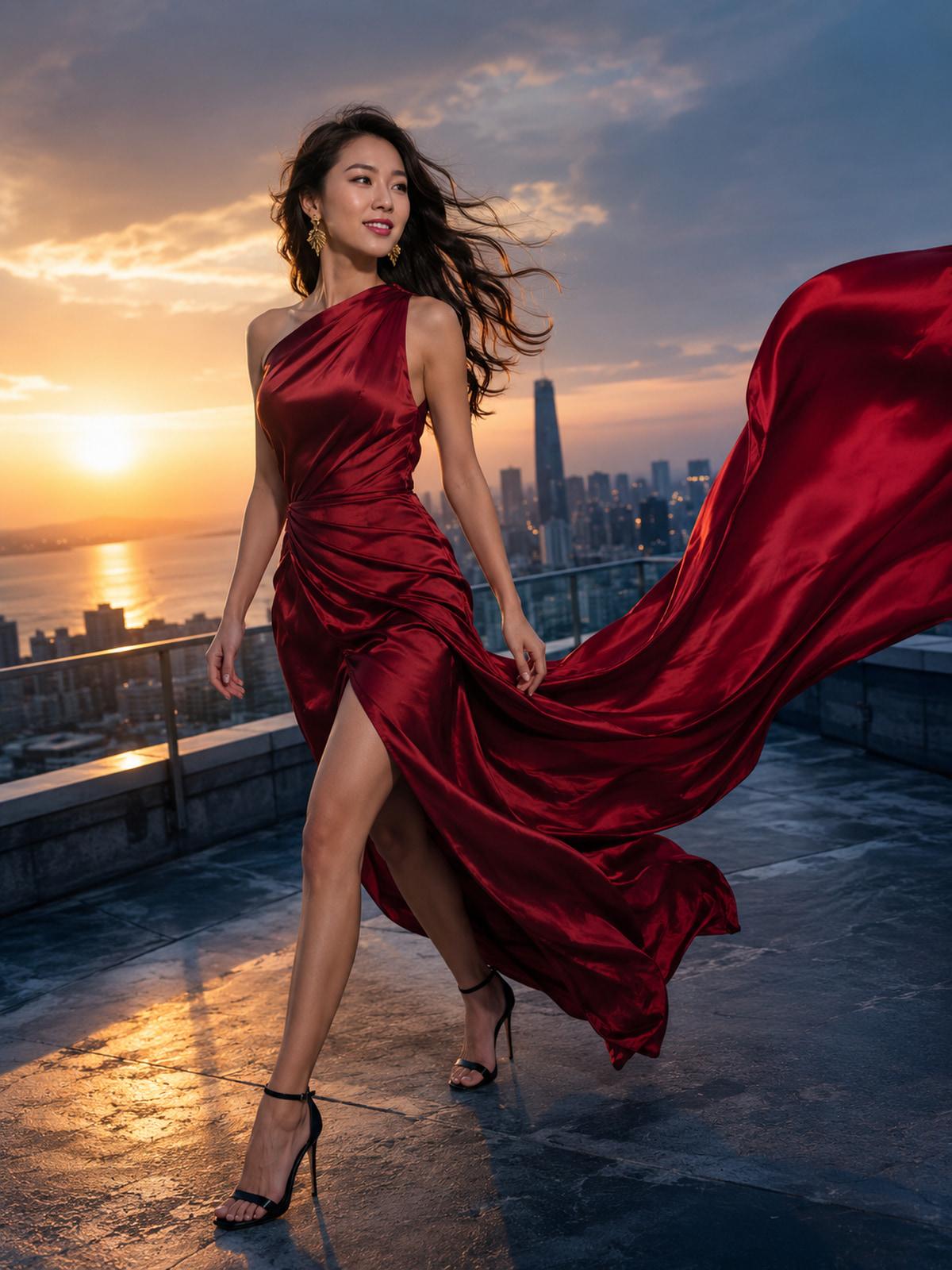
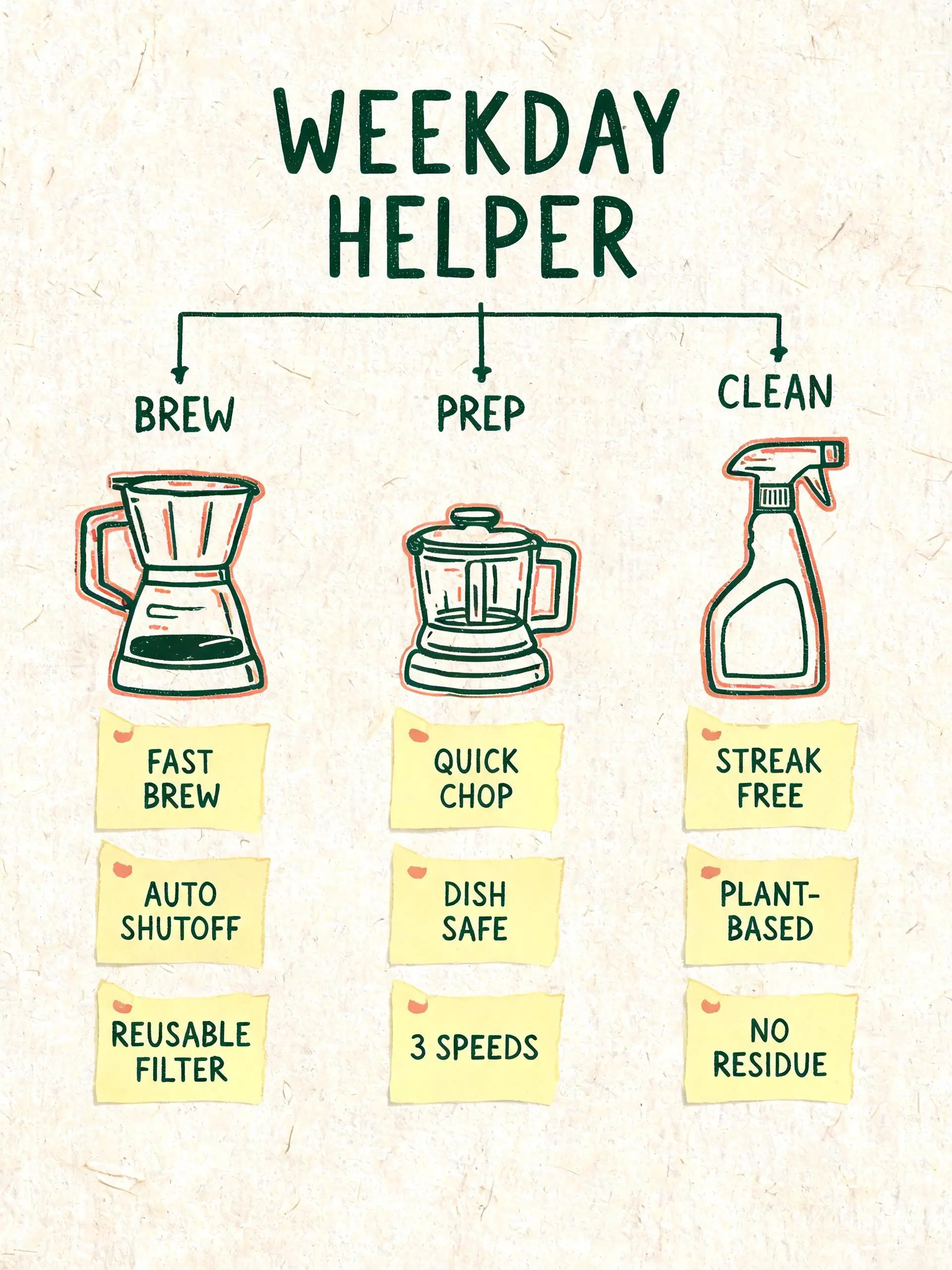
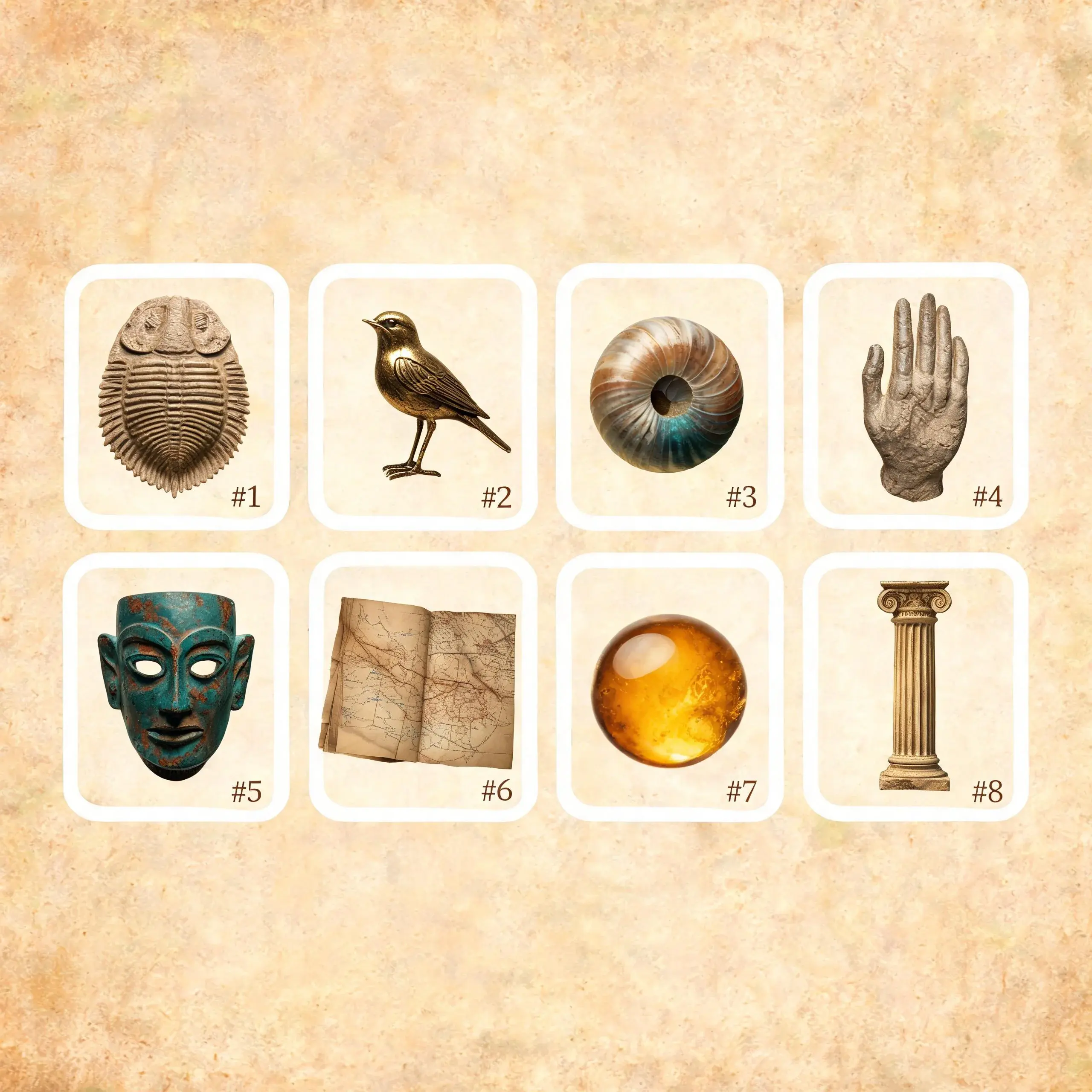
这些示例专为此页面创建,所用的正是工作台中采用的同一 Seedream 5.0 Lite 文生图接口。
示例结果
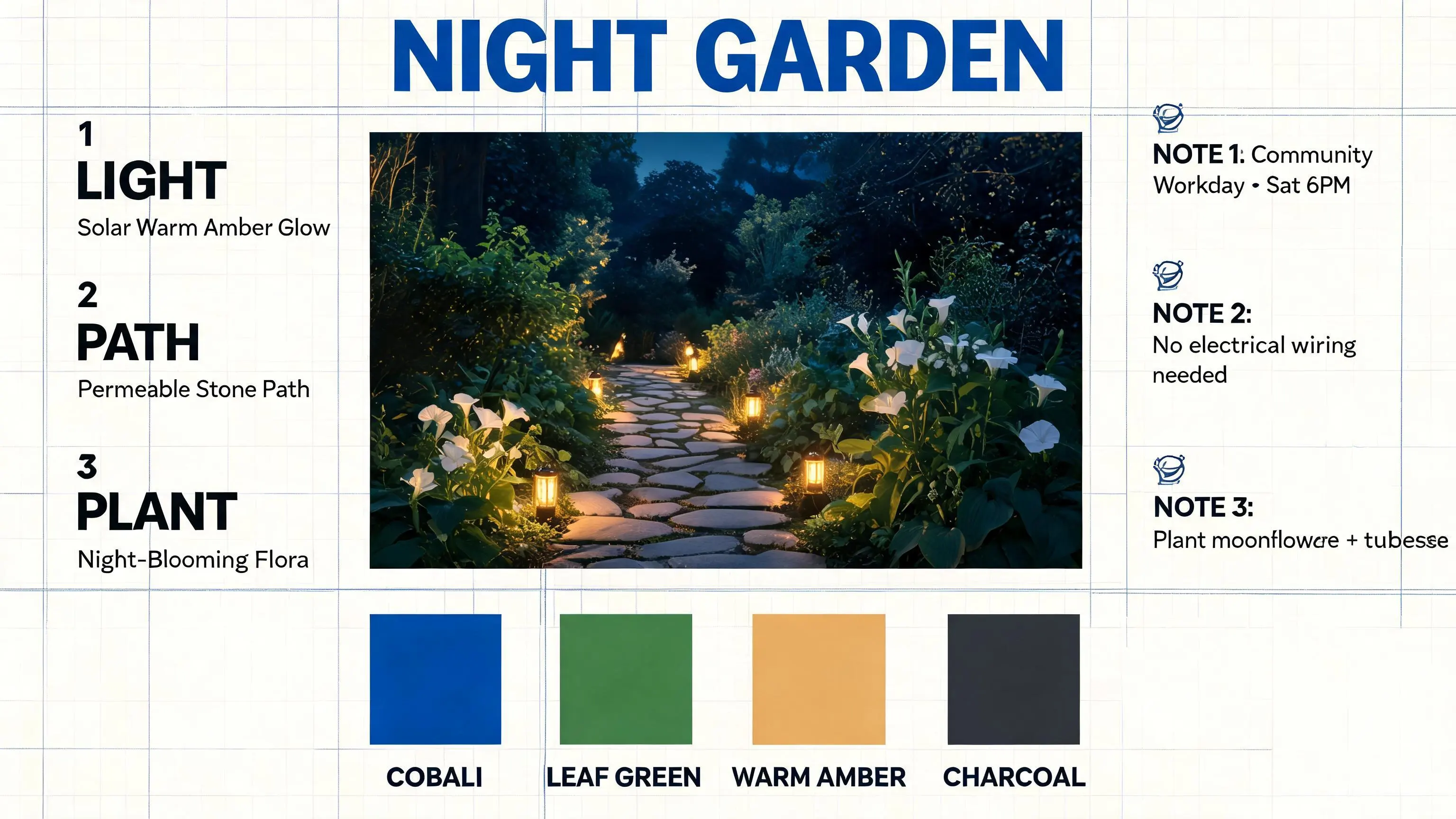
一个基于时间轴、材质色板、项目笔记及明确定义的信息层级结构构建而成的视觉规划看板。
提示词
Create a polished 16:9 visual planning board for a fictional community project called “NIGHT GARDEN”. Use a warm off-white canvas with a dark indigo grid. Arrange one large central concept image, a three-step timeline on the left, four material swatches along the bottom, and three compact notes on the right. Exact visible text: “NIGHT GARDEN”, “LIGHT”, “PATH”, and “PLANT”. Use cobalt blue, leaf green, warm amber, and charcoal. Keep the hierarchy clear, the text large, and the layout original. No real brand logos.
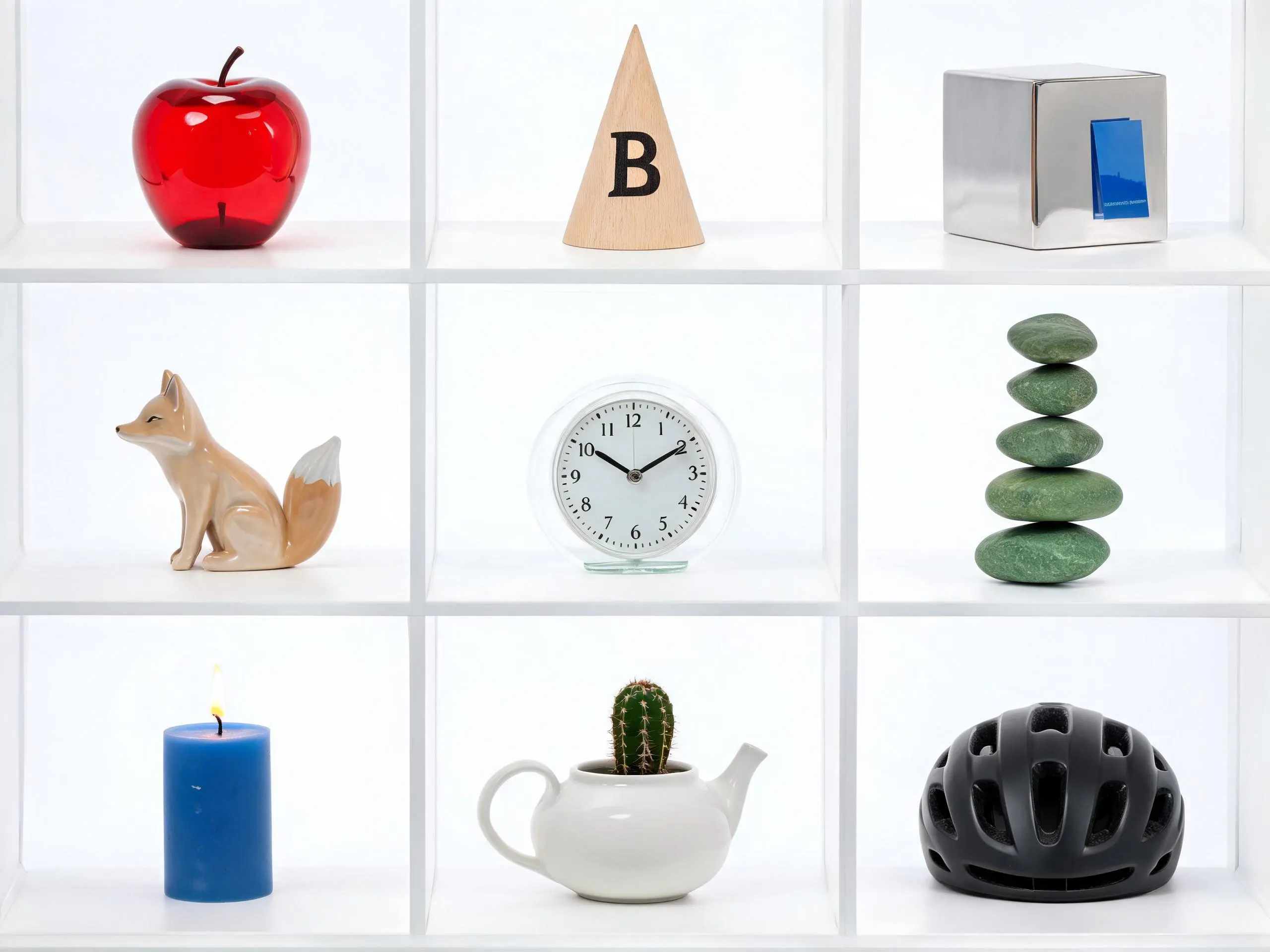
Create a front-facing 4:3 studio scene with a three-by-three display cabinet. Each cell contains exactly one object. Top row: a red glass apple, a pale wooden cone marked “B”, and a silver cube reflecting a blue card. Middle row: a ceramic fox facing left, a transparent clock showing 10:10, and exactly five green stones stacked in a tower. Bottom row: a blue candle with a yellow flame, a small cactus inside a white teapot, and a black bicycle helmet. Use soft neutral studio light, clean dividers, accurate object placement, and no additional text.
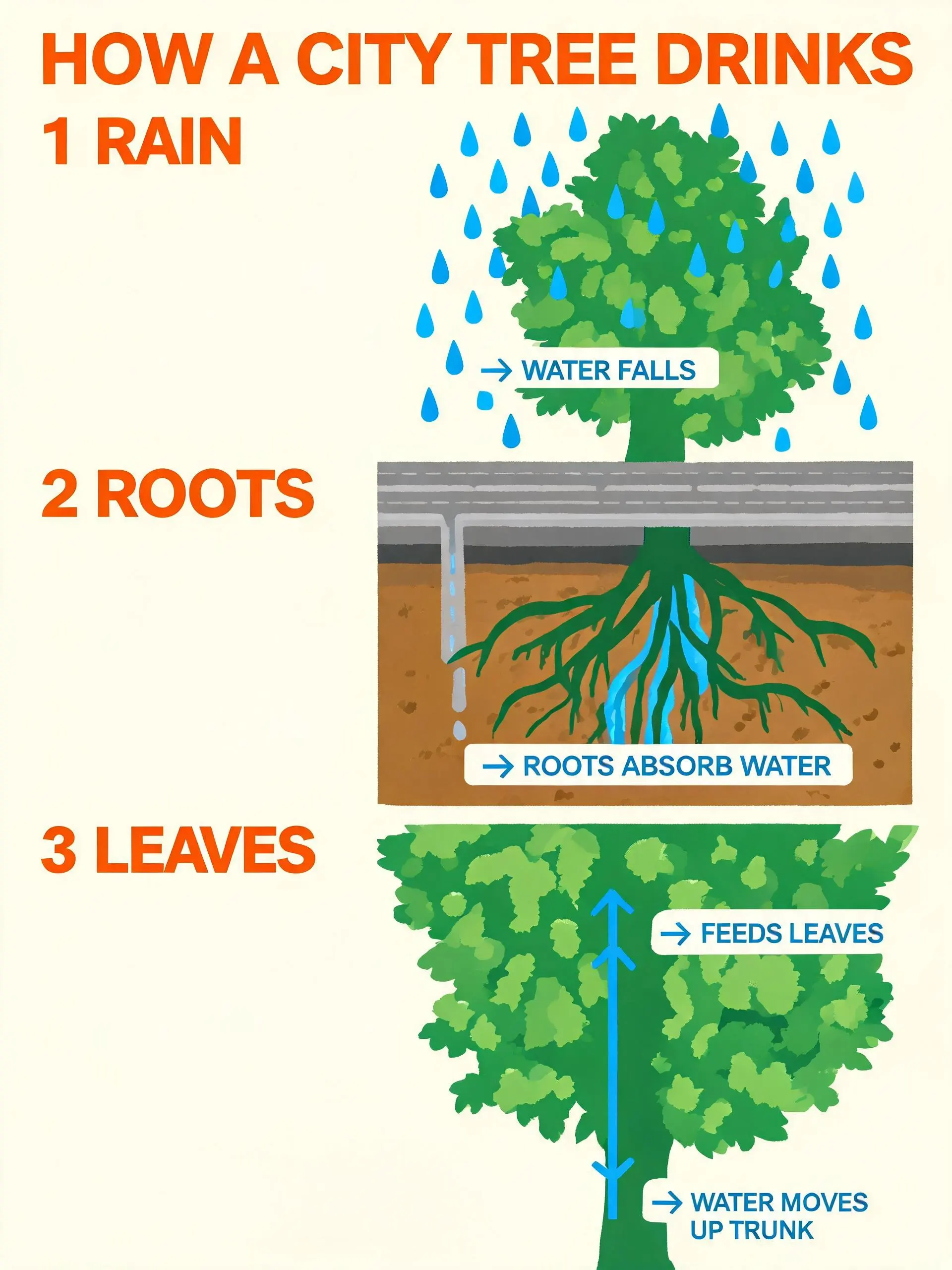
Design a vertical 3:4 educational poster titled “HOW A CITY TREE DRINKS”. Use three numbered sections: “1 RAIN”, “2 ROOTS”, and “3 LEAVES”. Show one simplified street cutaway with soil, roots, a drainage channel, trunk, and canopy. Connect the sections with clear blue arrows and short labels. Use a cream background, forest green forms, cobalt water lines, and warm orange callouts. Keep all wording large and concise. Use illustrative demo information only and no city logo.
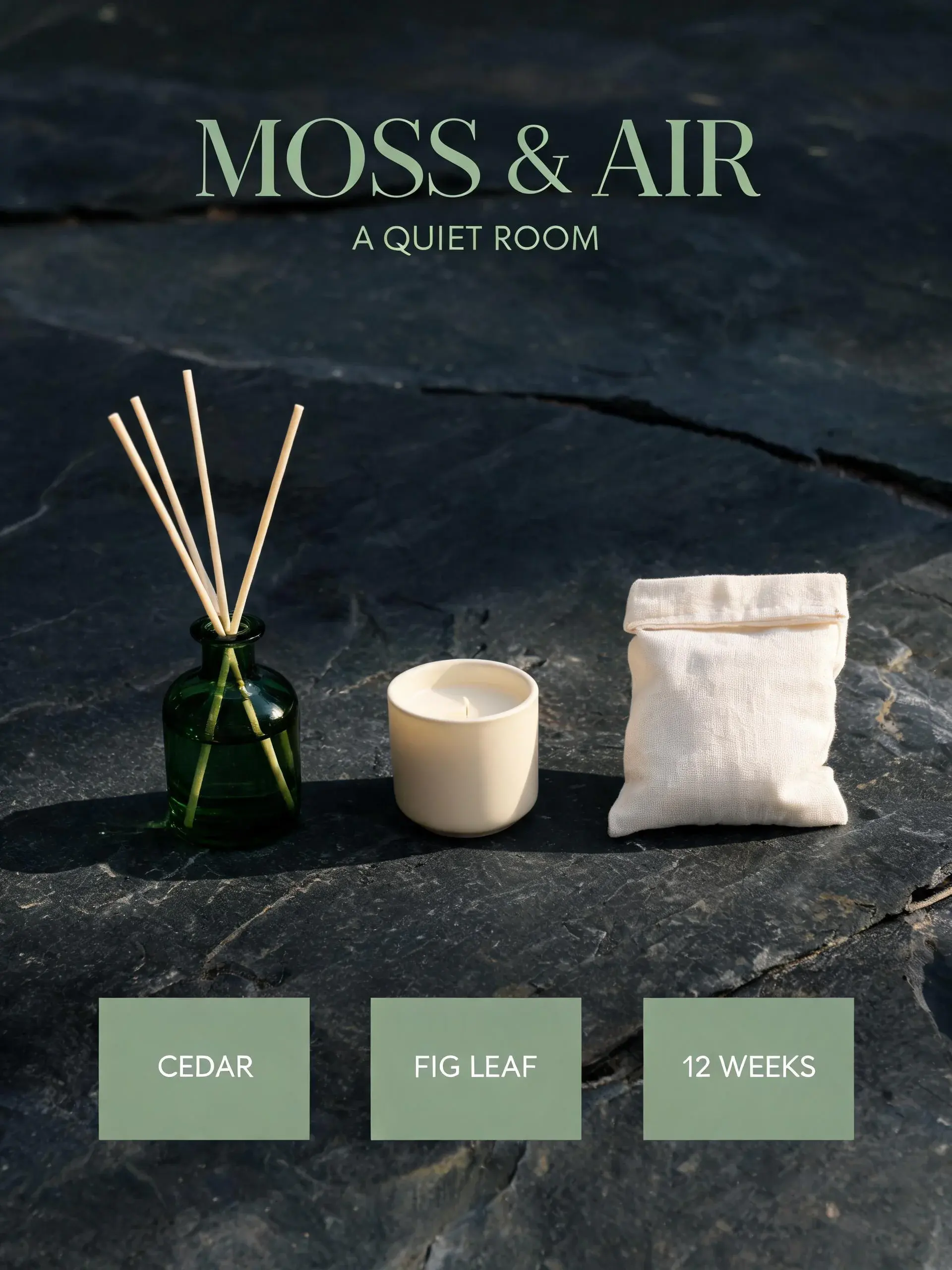
Create a vertical 3:4 ecommerce campaign visual for a fictional home fragrance set named “MOSS & AIR”. Show one green glass diffuser bottle, one cream ceramic candle, and one folded linen pouch on dark stone. Exact copy: “MOSS & AIR” and “A QUIET ROOM”. Add three compact benefit tags: “CEDAR”, “FIG LEAF”, and “12 WEEKS”. Use deep pine green, muted sage, warm ivory, realistic soft daylight, and clean premium spacing. No existing brand logos.
请描述元素间的关系,而非仅罗列关键词
Seedream 5.0 Lite 对清晰自然的语言理解效果更佳。请先说明主体与目标,再依次阐述场景设定、元素间关系、视觉表现风格以及所需的画面构图。
1。请说明主体与用途
说明该图像的用途、出现的人物或物体,以及主要动作或核心信息。
2。描述位置与关系
说明某物位于另一物体的左侧、右侧、上方、后方、内部或旁边。为每个主体指定颜色、材质或动作。
3。添加风格、相机角度和光照效果
选择视觉语言、视角、景深、光线方向、色彩情绪以及关键材质细节。
4。指定文字内容及最终画幅
将实际可见的文字内容放入英文引号中,保持简洁,并选择自动尺寸、预设画幅或自定义尺寸以适配最终用途。
提示词示例
提示词
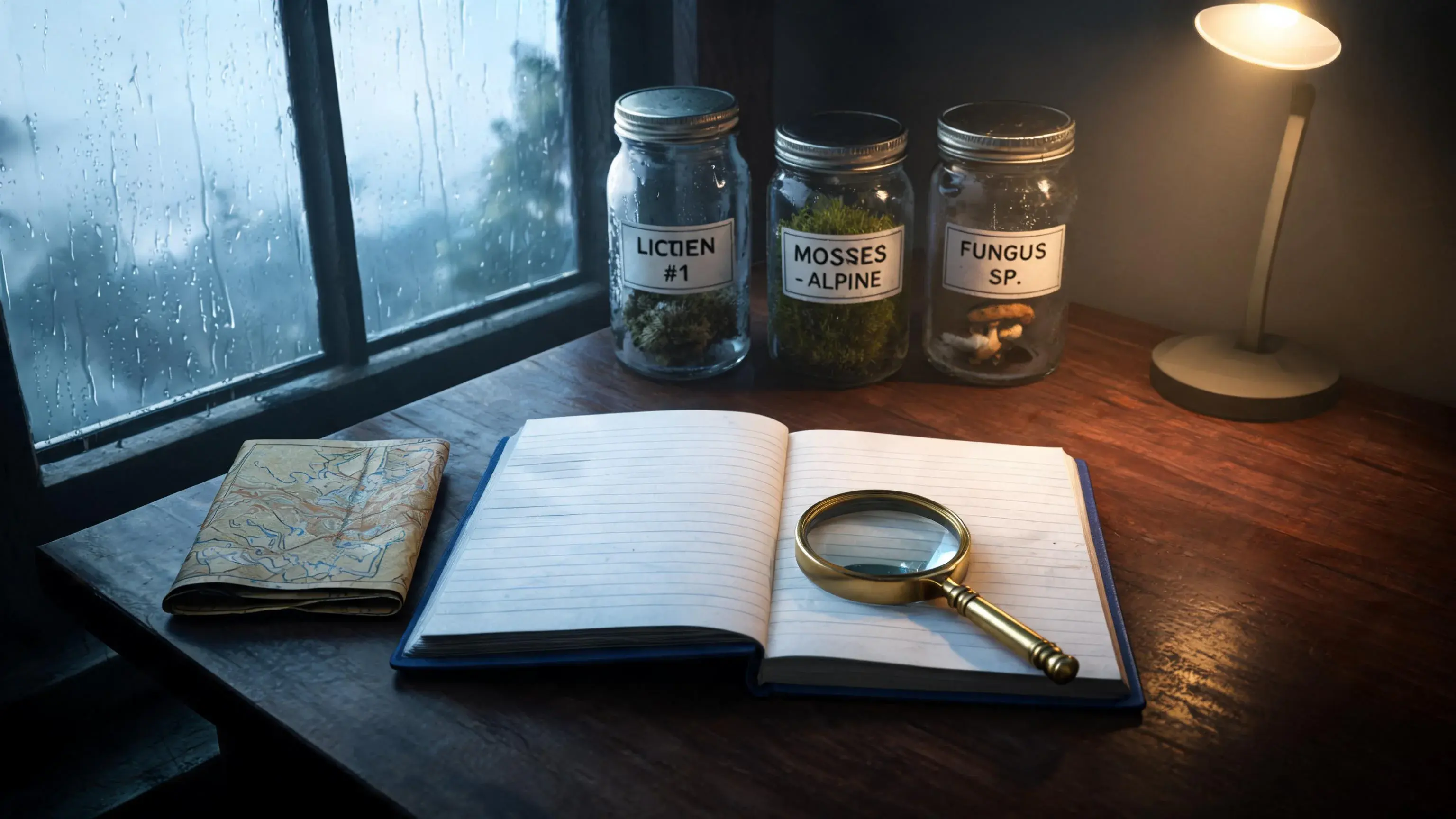
Create a 16:9 editorial photograph of a quiet research desk beside a rain-streaked window. Place an open blue field notebook in the center, a brass magnifier partly over the lower-right page, three labeled specimen jars behind it, a folded topographic map to the left, and one small desk lamp in the far-right background. The lamp casts warm light from right to left while cool daylight enters from the window. Use realistic glass, paper, brass, and wood textures, a slightly elevated camera angle, and no visible brand marks.
Seedream 5.0 Lite 设置
选择一种自动尺寸、画幅预设或自定义尺寸组合。Seedream 5.0 Lite 默认返回 PNG 张图像,并以‘自动 2K’为默认起始选项。